
TikTok Shadowban Explained: How to Check and Fix It
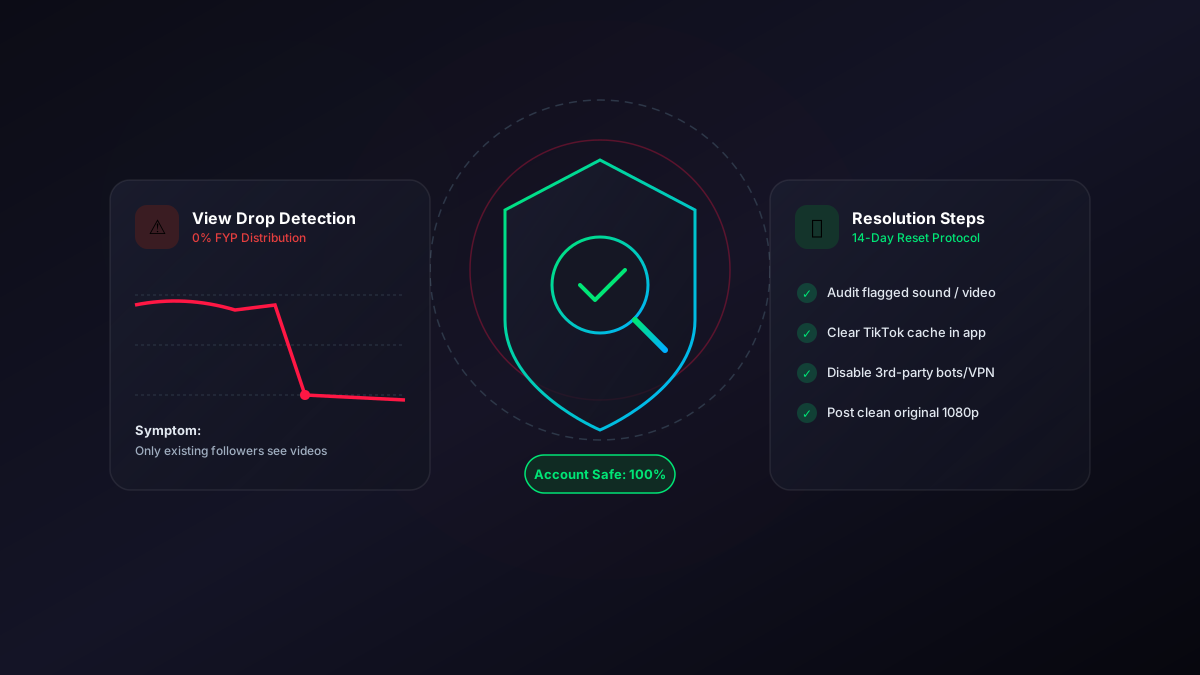
You post a video, and instead of the usual hundreds or thousands of views, it sits at zero. Or maybe it gets a handful of views, but absolutely none of them come from the For You Page (FYP). This is the dreaded TikTok shadowban. Here is what it is, how to diagnose it, and the steps to fix it.
What is a TikTok shadowban?
A "shadowban" is an unofficial term for when a platform restricts the visibility of your content without notifying you. On TikTok, this specifically means your videos are temporarily excluded from the For You Page.
Your followers can still see your content on the Following feed or by visiting your profile directly, but new audiences will not discover you. Because the FYP drives the vast majority of traffic for most creators, a shadowban effectively stalls your growth completely.
TikTok has never officially used the word "shadowban," but they do explicitly state in their Community Guidelines that they will reduce the discoverability of content that violates their policies or is deemed unoriginal, spammy, or low-quality.
Are you actually shadowbanned? How to check
A video flopping is not a shadowban. Every creator, even massive ones, occasionally posts a video that underperforms. To determine if you are actually restricted, look at the data, not just the view count.
- Open TikTok and go to a recently posted video that has underperformed.
- Tap More data at the bottom right of the screen to open the analytics for that specific video.
- Scroll down to the Views by source section.
The Diagnosis: If your video has been up for 48 hours and the "For You" source is at 0% or 1%, and this pattern repeats across your last three videos, you are likely under a temporary restriction. If the For You percentage is normal (e.g., 60-90%) but the total views are low, you are not shadowbanned; the video just didn't engage the test audience.
Common reasons for a shadowban
TikTok restricts accounts to protect the user experience. The most common triggers include:
- Unoriginal Content: Re-uploading other people's videos without adding significant transformative value (like commentary or editing). TikTok's algorithms are excellent at detecting duplicate video and audio hashes.
- Spam Behavior: Liking too many videos too fast, following hundreds of accounts in an hour, or posting five videos in ten minutes. The system flags this as bot-like activity.
- Community Guideline Violations: Minor violations (like copyright strikes, inappropriate language, or dangerous acts) might not get your account banned, but they will put you in the penalty box.
- Watermarked Content: Posting videos with prominent watermarks from competing platforms (like the Instagram Reels or YouTube Shorts logos).
How to fix a TikTok shadowban
A standard shadowban typically lasts between 14 and 30 days. You cannot appeal a shadowban because it is not an official account strike. However, you can take steps to ensure your account recovers cleanly.
1. Delete nothing, but private the problem videos
Do not mass-delete your recent videos. Deleting multiple videos signals erratic behavior to the algorithm. Instead, if you know which video caused the issue (e.g., it got a community guideline warning or was unoriginal), change its privacy setting to "Only Me."
2. Stop all spam-like activity
Take a 24-hour break from the app entirely. When you return, act like a normal user. Do not mass-follow, mass-like, or leave repetitive comments. Watch videos in full, leave genuine comments on a few, and scroll naturally.
3. Switch to original, high-quality content
For the next two weeks, you must prove to the algorithm that you are a high-value creator. Stop posting trends, stop reposting, and stop using aggressive growth hacks. Post videos that use your own voice, your own face (if applicable), and original concepts. Focus entirely on quality over quantity. Keep your posting frequency to once a day or once every other day.
4. Wait it out
The hardest part is patience. Continue posting good content even if it is only getting 10 views from your followers. Eventually, one of those videos will hit the FYP, signaling that the restriction has been lifted.
The short version
- A shadowban means 0% traffic from the For You Page across multiple consecutive videos.
- Low views with normal FYP percentages just means the content didn't resonate.
- Shadowbans are usually caused by spam behavior, unoriginal content, or minor guideline violations.
- To recover: private the offending videos, act like a normal user, post high-quality original content, and wait 14-30 days.
Try the downloader
Save any public TikTok in HD without the watermark, or pull the audio as an MP3.
Open the downloader