
How to Find and Use Trending TikTok Sounds to Get More Views
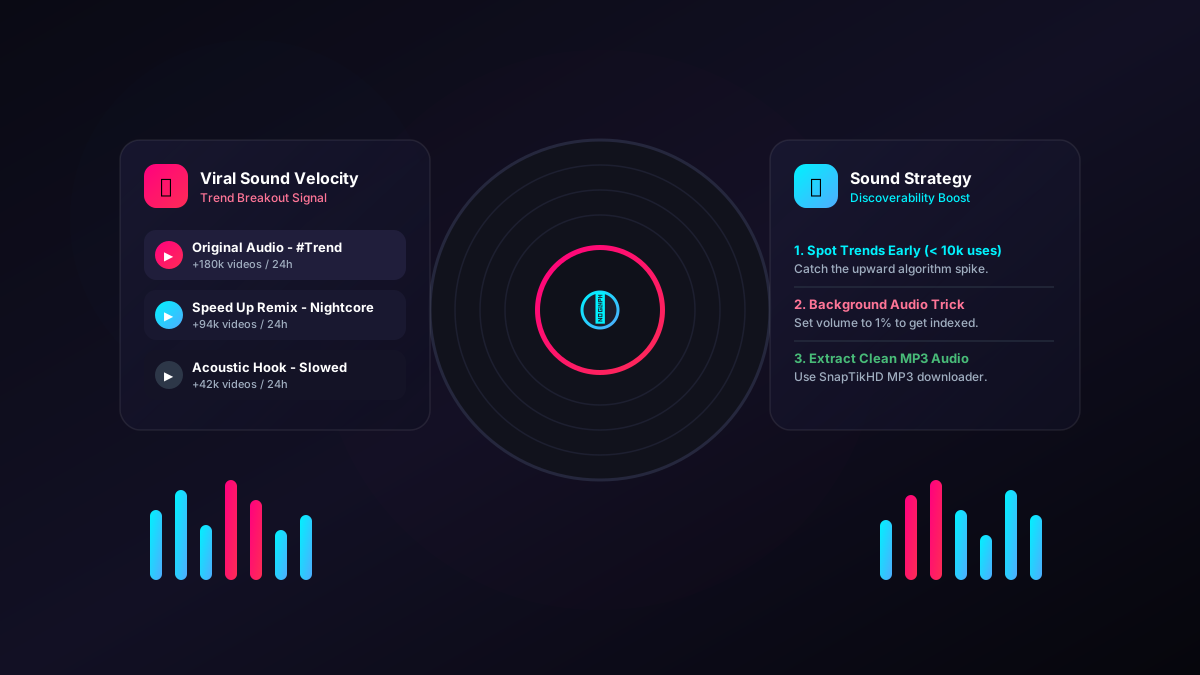
Audio is not just background noise on TikTok; it is a primary discovery engine. A trending sound acts like a hashtag, grouping videos together and surfacing them to users who have engaged with that audio before. Here is how to find sounds before they peak and use them correctly to grow your audience.
Why trending sounds matter
The TikTok algorithm maps user preferences not just by visual content, but by audio signatures. If a user watches three videos featuring a specific trending song to completion, the algorithm will aggressively serve them more videos using that exact same song. By participating in an audio trend, you are tapping into a pre-qualified, highly engaged audience.
How to find trending sounds early
Jumping on a trend when a sound has 2 million videos is too late; your video will be buried. The goal is to find sounds that are rapidly growing but still have fewer than 10,000 to 50,000 videos associated with them.
1. The TikTok Creative Center (The Data Approach)
This is TikTok's official, free tool for creators and marketers. Go to the TikTok Creative Center (on desktop) and navigate to the Trends tab, then select Songs.
- Filter by your country.
- Look for songs with an upward trajectory in the last 7 days.
- Pro tip: Click into a song's analytics and look at the "Related Videos." If the top videos were posted in the last 48 hours, it's a fresh trend.
2. The Search Bar "Trend" Hack
Open the TikTok app and go to the search bar. Type "viral sounds" or "trending audio." Filter the search results by This Week. You will find aggregator accounts whose sole purpose is to compile audio clips that are currently spiking in popularity.
3. The Blue Search Icon on the FYP
When scrolling your For You Page, pay attention to the magnifying glass icon over the search bar at the top. If it suggests a specific audio trend name (e.g., "Oh No Oh No trend"), TikTok is actively pushing that sound.
How to use trending sounds effectively
Simply adding a trending song to a boring video will not make it go viral. The sound is the hook, but the content must retain the viewer.
The "Background Audio" trick
If your video requires you to speak (like a tutorial or a story), you can still use trending audio to gain algorithmic traction:
- Record your talking video normally.
- In the TikTok editor, tap Add Sound and select a trending track.
- Tap the Volume settings.
- Turn "Original Sound" (your voice) up to 100%, and turn "Added Sound" down to 1% or 2%.
The trending audio is practically silent to the viewer, but the algorithm still registers your video as part of the trend, giving you the discoverability boost without drowning out your voice.
Contextualizing the trend
The best performing videos take a trending sound (especially dialogue or a meme format) and adapt it to their specific niche. If a sound is about "making a mistake," a fitness creator should make it about a gym mistake, while a coding creator should make it about a software bug. This combines the broad appeal of the trend with the specific interest of your target audience.
Commercial vs. Personal Accounts: The Audio Trap
If you switch your TikTok profile to a Business Account (to get an email button or website link in your bio), you will suddenly lose access to 90% of trending music.
Business accounts are legally restricted to the Commercial Music Library (CML), which contains royalty-free tracks. You cannot use mainstream pop songs or most trending audios because of copyright law.
The Fix: If you are an independent creator, influencer, or personal brand, stay on a Creator (Personal) Account. You can still access analytics, and you retain access to the full, mainstream audio library. Only registered businesses and corporations should use Business Accounts.
Try the downloader
Save any public TikTok in HD without the watermark, or pull the audio as an MP3.
Open the downloader